 Contact Us



In PIXERA you have the ability to easily jump to Cue or Time by right-clicking and selecting "Fade to Time / Cue".
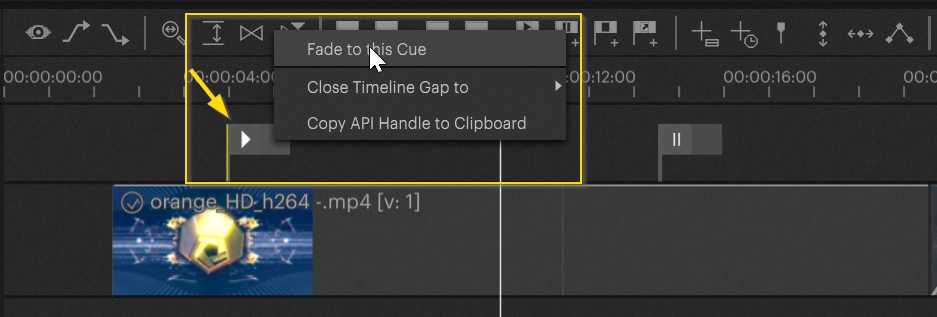
Fade to Cue
Right-click on the cue and select "Fade to this Cue".
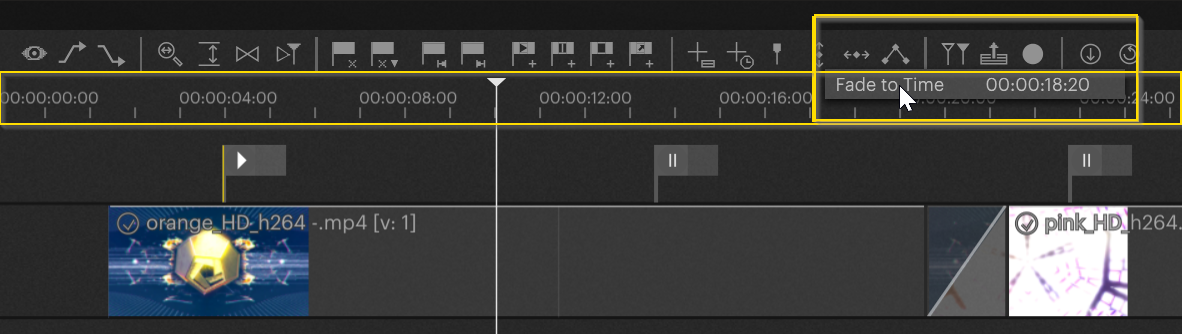
Fade to Time
Right click into the time bar and "Fade to Time".
Change the default fade time
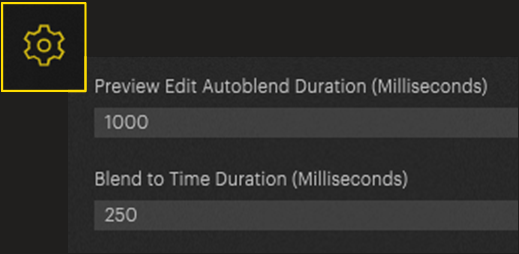
The default fade time in Pixera for fade to cue / time is always 250ms.
You can change this in: Settings / General
You may find yourself in the situation where you jump to undefined spots on a timeline, so it will stutter for a short moment. in this situation, you can use Delay Fades and Jumps to Cues (Preload unexpected Jumps)
You may also be interested in:
Shortcuts
Pixera 2.0.65 | 11. July 2024 | R.W.